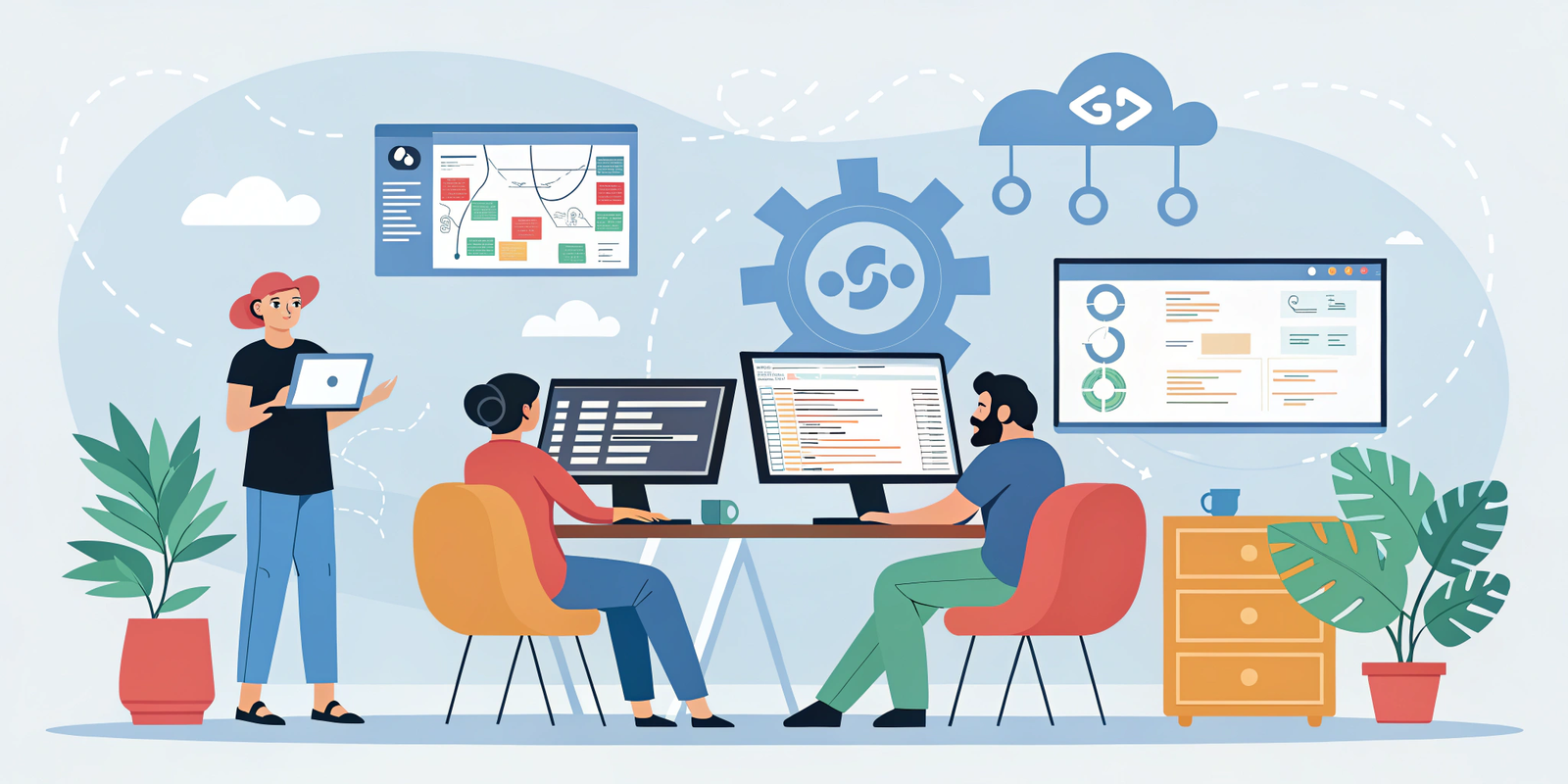

Introduction: The Evolution of GitHub Collaboration
GitHub has transformed from a simple code repository into a powerful platform for team collaboration, project management, and workflow automation.
In modern software development, efficiency, communication, and visibility are critical. Large teams, remote contributors, and fast product cycles demand tools that help track progress, maintain code quality, and ensure everyone is aligned.
Using GitHub’s collaboration features effectively allows teams to:
Increase team productivity and reduce redundant work
Maintain high code quality and consistent workflows
Streamline communication across team members
Ensure faster, error-free software delivery
This post will explore GitHub Issues, Discussions, Milestones, Notifications, Integrations, Security, and Best Practices, with practical examples and tips for 2025.
GitHub Issues: The Core of Task and Bug Management
GitHub Issues are essential for tracking tasks, bugs, and feature requests in a centralized manner. Here’s how to use them effectively:
Features and Benefits:
Labels: Organize issues by type (bug, feature, documentation, enhancement)
Assignment: Assign issues to specific team members for accountability
Linking PRs: Link related Pull Requests to issues for full traceability
Status tracking: Move issues through stages like open, in progress, and closed
Example Workflow:
A client requests a new search feature.
Create an issue with a detailed description, expected behavior, and screenshots.
Assign it to a developer and link to the corresponding milestone (v1.2 release).
Add labels like feature and high priority.
Once the code is developed, link the PR to the issue for automatic updates.
Pro Tip: Use Issue Templates with predefined fields like steps to reproduce, expected results, and environment details. This ensures clarity for both contributors and reviewers.
GitHub Discussions: Ideation, Feedback, and Knowledge Sharing
GitHub Discussions serve as a collaboration hub for brainstorming and team communication, helping teams and open-source communities work together effectively.
Key Features:
Brainstorming: Discuss new features, enhancements, or architecture decisions
Polls and Q&A: Collect team opinions and vote on proposals
Community Engagement: Invite external contributors to share ideas
Knowledge Base: Pin important discussions for long-term reference
Practical Example:
A team wants to redesign the login flow:
Open a discussion thread titled “Login Flow Redesign”.
Share mockups and code snippets.
Team members provide feedback and vote on design options.
Pin the final approved approach for reference in documentation.
Pro Tip: Connect Discussions to your wiki pages or documentation to ensure knowledge is centralized and accessible to everyone.
Milestones: Organizing Goals and Deadlines
Milestones allow teams to group issues and PRs, providing a clear view of project goals and deadlines.
Key Features:
Track multiple issues under a single milestone
Monitor progress visually using percentage completion
Plan sprints and releases systematically
Example Workflow:
Milestone: v2.0 Release
Feature requests → issue #12, #15
Bug fixes → issue #20, #22
Pull Request reviews → PR #18, #21
Progress updates automatically show in GitHub’s interface, providing visibility into pending tasks versus completed ones.
Pro Tip: Set due dates and priority labels for milestones to help the team focus on urgent tasks first.
Notifications: Staying Updated in Real-Time
GitHub notifications are crucial for keeping team members informed about project activity, preventing missed updates or duplicated work.
Key Features:
Repository watching: Monitor all activity in selected repos
Custom notifications: Focus on specific issues, PRs, or discussions
Integration: Connect GitHub to Slack, Microsoft Teams, or Discord for real-time alerts
Pro Tip: Avoid notification overload by:
Watching only the most important repositories
Using filters for mentions, labels, or assignments
This ensures team members receive only relevant updates, reducing distractions.
Integrations: Automating Workflows and Extending GitHub
GitHub integrations enable teams to automate repetitive tasks and streamline workflow.
Common Integrations:
CI/CD Tools: Jenkins, CircleCI, GitHub Actions
Project Management: Jira, Trello, Asana
Communication Tools: Slack, Microsoft Teams, Discord
Code Quality & Security: SonarCloud, Dependabot
Example Workflow:
Developer merges a PR into the main branch.
GitHub Actions automatically runs unit tests and code linting.
Build is deployed to a staging environment.
Slack notification alerts the team.
Milestone boards update automatically.
Pro Tip: Automation reduces manual tracking, minimizes human error, and increases productivity.
Security & Permissions: Safe and Controlled Collaboration
Security is critical for team projects, especially for large teams or open-source repositories.
Key Features:
Granular permissions: Owners, Maintainers, Contributors
Branch protection rules prevent accidental merges
Enable two-factor authentication (2FA) and dependency scanning
Conduct regular audits for inactive users and permissions
Example:
Feature branches can only be merged after assigned reviewers approve the PR, ensuring only reviewed and safe code reaches the main branch.
Pro Tip: Regularly review security and access controls to avoid unauthorized code changes or sensitive information leaks.
Best Practices for Teams in 2025
Centralize communication via Issues & Discussions
Organize tasks visually using Projects & Milestones
Automate repetitive workflows with GitHub Actions
Integrate GitHub with CI/CD, project management, and communication tools
Maintain strict security and access control
Keep detailed documentation
Conduct regular code reviews and knowledge-sharing sessions
Conclusion: Unlocking the Full Power of GitHub Collaboration
By 2025, GitHub has become a full-fledged platform for team collaboration, project management, and workflow automation.
If your goals are to:
Improve team coordination
Deliver software faster
Optimize workflow and productivity
…then GitHub’s Issues, Discussions, Milestones, Notifications, Integrations, and Security tools are your essential toolkit.
Takeaway: Smart and consistent use of GitHub collaboration tools will elevate your team’s workflow, efficiency, and project success to the next level.