
Introduction
Free Version Control Tools are essential for modern software development. They allow developers to track changes in their code, collaborate effectively with team members, and prevent project chaos. Whether you’re a beginner or an experienced developer, these tools help maintain a clean, organized workflow, avoid mistakes, and enhance productivity. In this guide, we’ll explore the most popular free version control tools, their features, and provide a mini project idea to practice version control in real-world scenarios.
1. Git – The Industry Standard
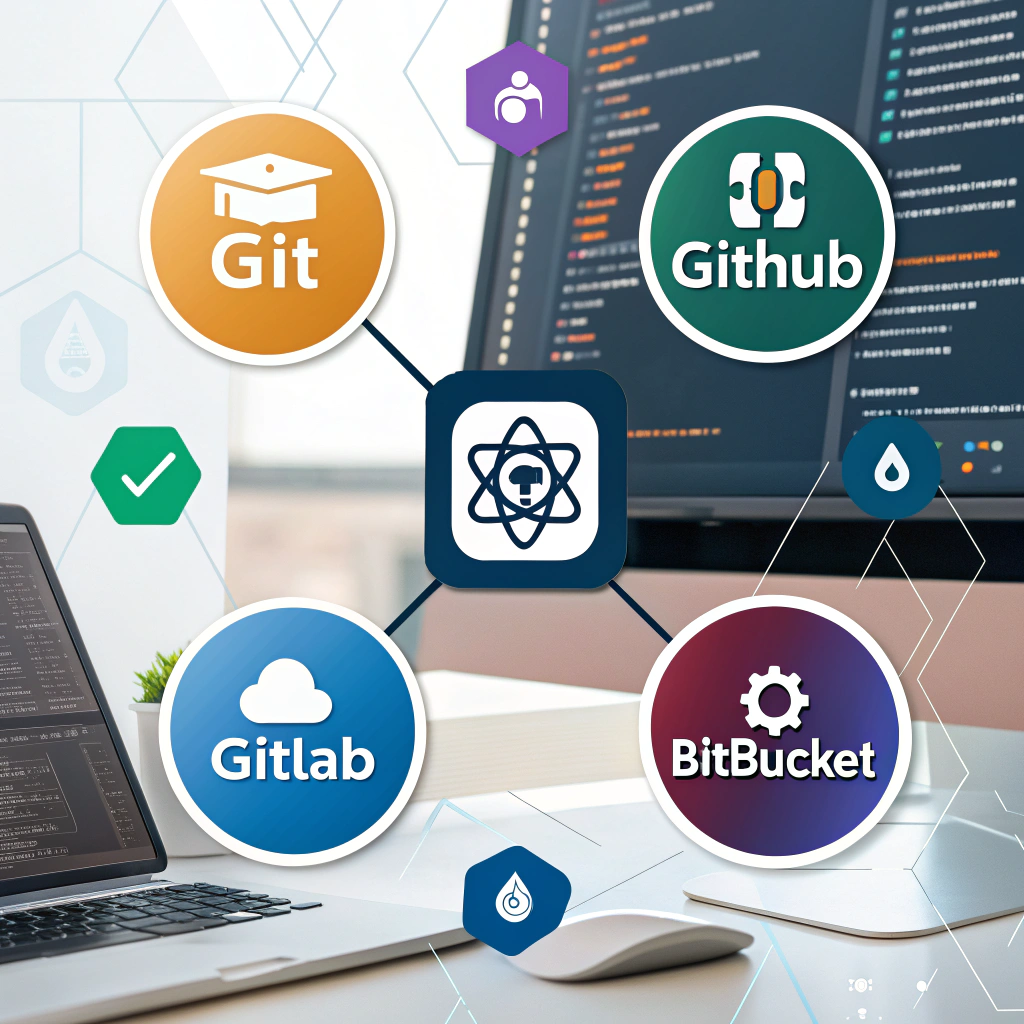
Git is the most widely used version control system worldwide. It is a command-line tool that integrates seamlessly with platforms like GitHub, GitLab, and Bitbucket.
Key Features:
- Supports branching, merging, and detailed history tracking.
- Lightweight, fast, and suitable for projects of all sizes.
- Works offline, allowing local commits before pushing changes to a remote repository.
Best For:
- Developers comfortable with the command line.
- Projects requiring advanced workflows and custom branching strategies.
Tips for Using Git:
- Commit frequently with clear messages to track progress.
- Use feature branches to keep the main codebase stable.
- Learn essential commands like
git status,git log,git merge, andgit rebase.
Pro Tip: Combine Git with Git hooks to automate tasks like code linting and testing before commits.
2. GitHub Desktop – Beginner-Friendly GUI
For developers who prefer graphical interfaces, GitHub Desktop is a free tool that simplifies Git operations. It allows you to manage commits, create branches, and resolve conflicts visually, without using the command line.
Key Features:
- User-friendly interface for beginners.
- Simplifies merges, pull requests, and branch management.
- Supports multiple repositories and direct GitHub integration.
Best For:
- Beginners learning version control.
- Teams that want a simple, visual interface for collaboration.
Tips:
- Use the drag-and-drop feature to clone repositories easily.
- Monitor changes before committing to avoid accidental updates.
3. SourceTree – Advanced Visual Git Tool
SourceTree is a free GUI client for Git and Mercurial, ideal for larger teams and complex projects.
Key Features:
- Handles multiple repositories efficiently.
- Provides a visual representation of branching, merging, and conflicts.
- Shows detailed commit history for better tracking.
Best For:
- Teams collaborating on complex or large-scale projects.
- Developers who prefer visual tools for version control rather than command-line workflows.
Mini Project Idea: Team Project on GitHub
Practice your Free Version Control Tools skills by creating a small team project.
Steps:
- Create a repository on GitHub.
- Use GitHub Desktop for beginners to manage commits and branches.
- Use Git CLI for advanced branching and merging strategies.
- Track milestones and collaborate efficiently using pull requests.
Benefits:
- Hands-on experience reinforces learning.
- Encourages frequent commits and proper branch management.
- Reduces code conflicts and improves team collaboration.
Tips for Maximizing Version Control Efficiency
- Commit early and often to avoid losing work.
- Write clear, descriptive commit messages.
- Always pull updates from remote repositories before making changes.
- Regularly merge feature branches into the main branch.
- Explore integrations with CI/CD pipelines to automate testing and deployment.
Comparison Table of Free Version Control Tools
| Tool | Interface | Best For | Key Strengths |
|---|---|---|---|
| Git | CLI | Advanced developers | Fast, flexible, highly customizable |
| GitHub Desktop | GUI | Beginners | Easy to use, visual commits and merges |
| SourceTree | GUI | Teams, large projects | Visual branching, conflict resolution, multi-repo support |
Conclusion
Free Version Control Tools like Git, GitHub Desktop, and SourceTree are vital for developers at any level. They help organize code, improve team collaboration, and prevent costly mistakes. By practicing with these tools and completing mini projects, developers can gain confidence in version control and streamline their workflow. Start using these tools today and take your software development skills to the next level!
Internal Links:
External Links: