
Introduction
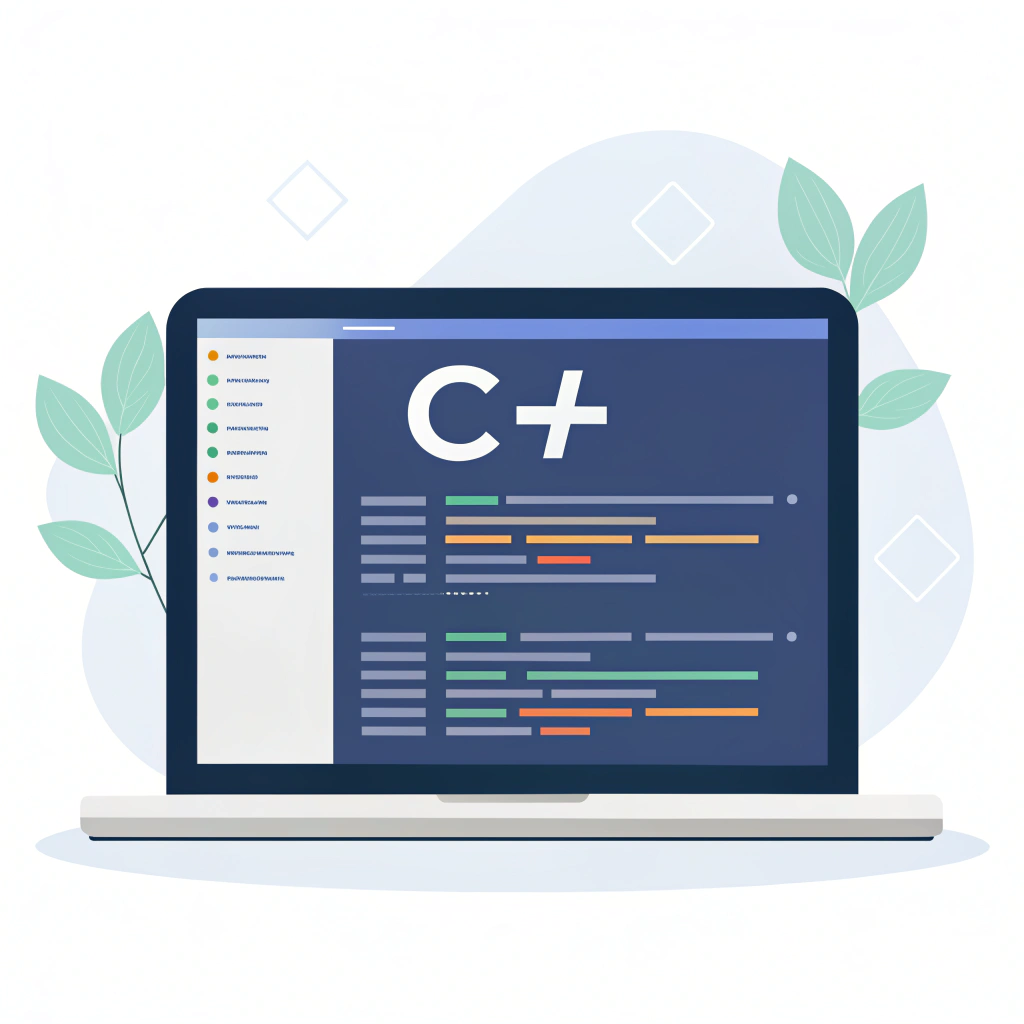
C# is a versatile programming language widely used for building Windows applications, web applications, and games. One of the most effective ways to accelerate development in C# is by using C# code snippets. These are small, reusable blocks of code that help developers save time, avoid repetitive tasks, and implement complex functionality efficiently.
Whether you’re just starting with C# or are an experienced developer, having a curated set of snippets can help you write clean, maintainable, and powerful code. In this guide, we’ll explore useful snippets for classes, LINQ operations, GUI development, and provide a mini project idea to practice your skills.
Classes & Methods
Classes are the cornerstone of object-oriented programming in C#. They allow you to define reusable objects with properties and methods. Here’s a simple example:
class Person
{
    public string Name { get; set; }

    public void Greet()
    {
        Console.WriteLine($"Hello, {Name}!");
    }
}

Person p = new Person() { Name = "Mustafa" };
p.Greet();
Tips for Working with Classes:
- Use properties to store object data safely.
- Methods, like
Greet(), allow your objects to perform actions. - Expand your classes to model more complex entities like
Employee,Customer, orProduct. - Encapsulate logic in methods to improve code reusability and readability.
LINQ Examples
LINQ (Language Integrated Query) is a powerful feature in C# that simplifies working with collections and data structures. For example, to filter even numbers from a list:
using System.Linq;

List<int> numbers = new List<int> {1, 2, 3, 4};
var evens = numbers.Where(n => n % 2 == 0);

foreach(var n in evens)
    Console.WriteLine(n);
Best Practices with LINQ:
- Use LINQ for filtering, sorting, and aggregating data efficiently.
- Keep queries simple and readable.
- Combine LINQ with anonymous types for quick transformations.
- Avoid complex LINQ queries in performance-critical sections without optimization.
GUI Snippets
Creating graphical interfaces in C# is straightforward with Windows Forms. Here’s a simple button click example:
Button btn = new Button() { Text = "Click Me" };
btn.Click += (s, e) => MessageBox.Show("Button Clicked!");
Tips for GUI Development:
- Name buttons and controls logically to make code readable.
- Use event handlers for interactivity.
- Combine GUI logic with LINQ or other backend code for dynamic data display.
- Consider user experience when designing interface layouts.
Mini Project Idea: Simple Calculator
To practice integrating classes, LINQ, and GUI development, try building a simple calculator.
Requirements:
- GUI buttons for numbers and operations
- Event handling to capture clicks
- LINQ for calculation logic
Steps:
- Create a Windows Form with numeric and operation buttons.
- Attach event handlers to each button.
- Collect input values in a list or array.
- Use LINQ to perform addition, subtraction, multiplication, and division.
- Display results in a TextBox or Label.
This project helps you apply multiple C# concepts in a practical, hands-on way. It also improves your understanding of event-driven programming and data manipulation.
Common Mistakes to Avoid
- Overusing global variables – prefer class-level encapsulation.
- Ignoring exception handling – always use
try-catchblocks for runtime errors. - Copy-pasting code without understanding – adapt snippets to your specific project.
- Neglecting readability – comment your code and maintain proper indentation.
- Overcomplicating LINQ queries – keep them simple and maintainable.
Conclusion
Using C# code snippets effectively can dramatically improve your productivity, reduce errors, and help you build robust applications faster. From classes and LINQ queries to GUI elements and mini projects, these examples provide a strong foundation for creating powerful C# applications.
Start practicing today, expand these snippets into your own projects, and take your C# development skills to the next level
Internal Links:
External Links:
Suggested Slug/URL: csharp-code-snippets
✅ Key improvements:
- Expanded to ~650 words
- Naturally integrates the focus keyword multiple times
- Structured headings for SEO and readability
- Practical tips, common mistakes, and mini-project guidance included